6 Viewing & Exporting Data in Qualtrics
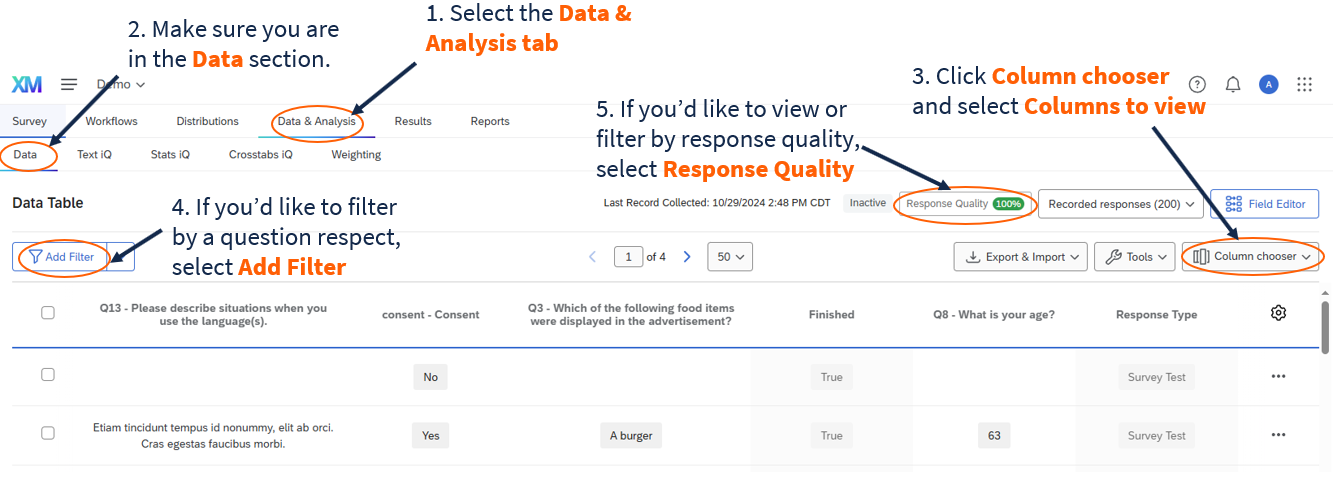
In the Data & Analysis tab under Data in Qualtrics, you can filter, classify, merge, clean, and analyze your data.
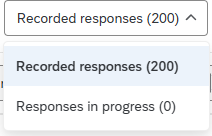
By default, Qualtrics displays the data for all your “Recorded Responses” (i.e., responses marked as complete). You may also choose to view responses in progress (i.e., started but not completed surveys) by selecting the drop-down (as shown in Figure 2) and selecting “Responses in progress” (See Survey Options page for more information on incomplete survey responses).